Examples
Examples
Whole screens built from the free components, each one a single file you can copy, edit live or open in Expo Snack. They run in an iPhone, a Pixel and a browser window on their pages: the look is the Patine design everywhere, and the behaviour (sheets, dropdowns, keyboards) follows each platform.
32 examples
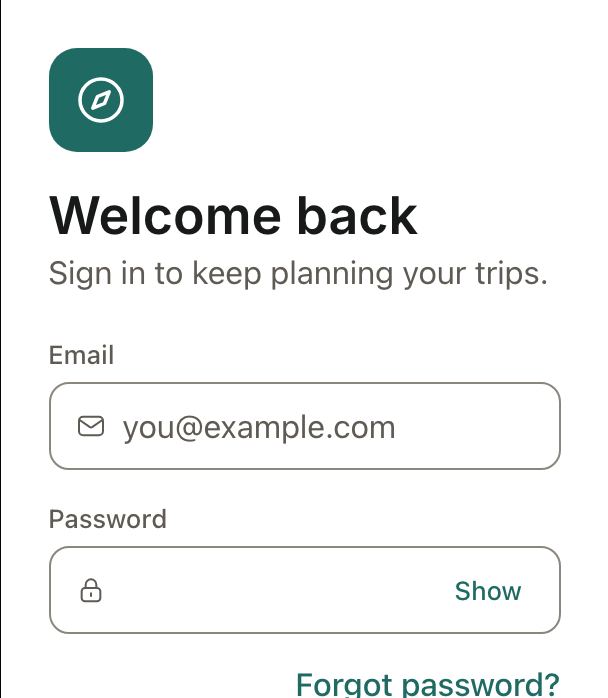
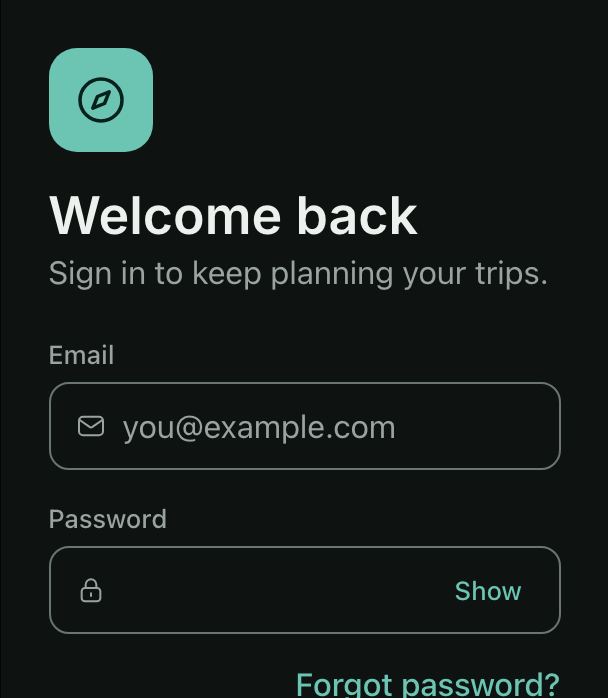 AuthSign inEmail and password with inline errors, a failed attempt explained in an alert, and links to reset or sign up.
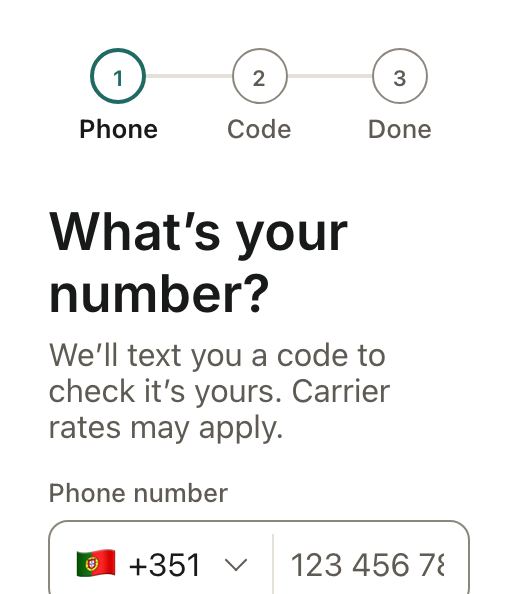
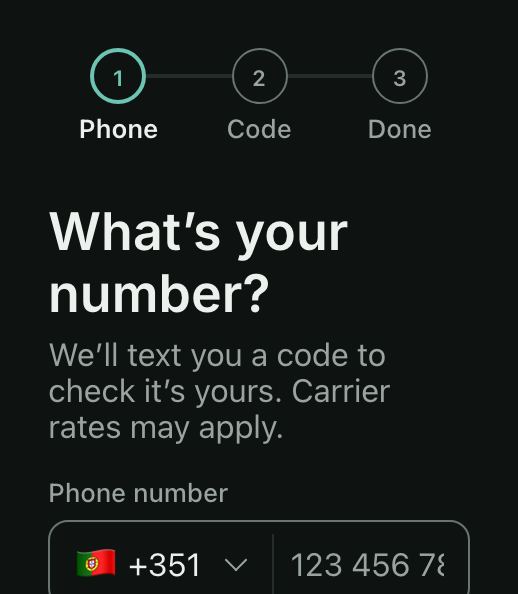 AuthSign up and verifyA phone number with its country, then the six-digit code texted to it, with a resend timer.
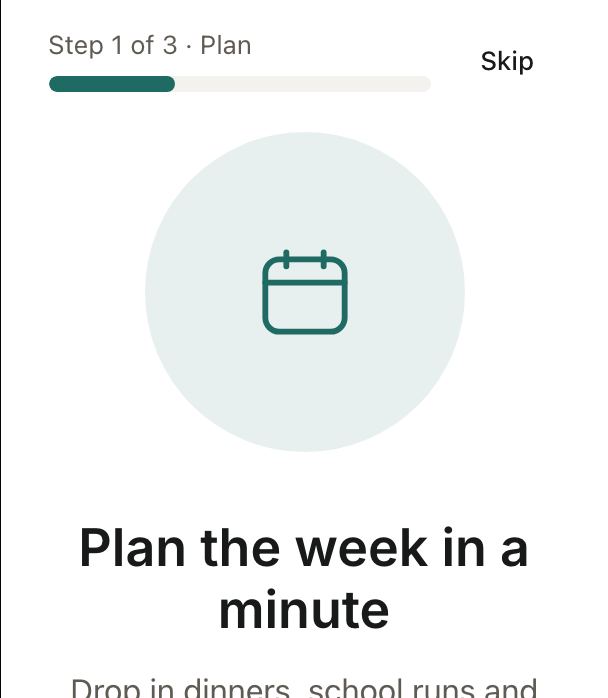
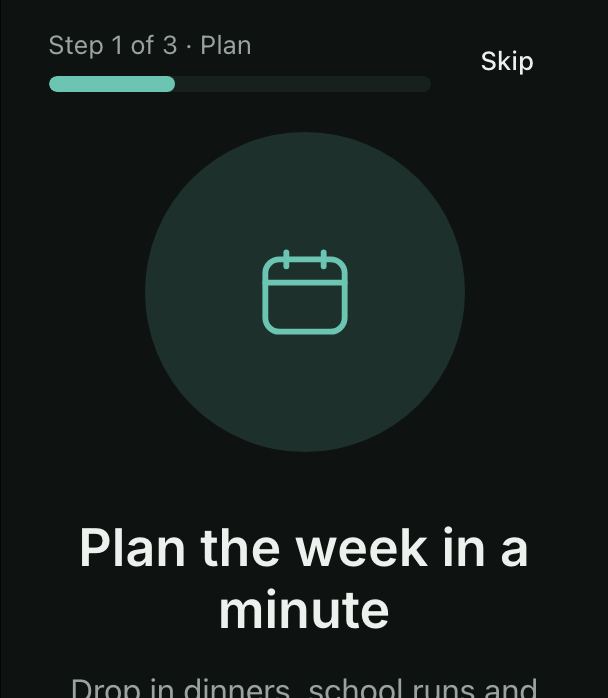 AuthOnboardingThree swipeable pages with dots and a step counter, Skip, and a button that becomes Get started.
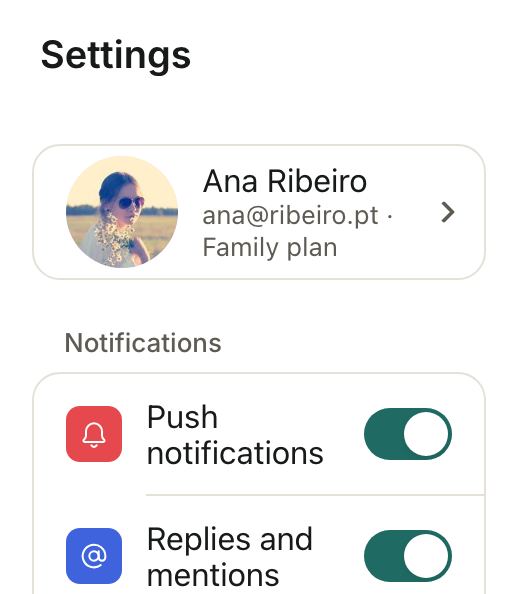
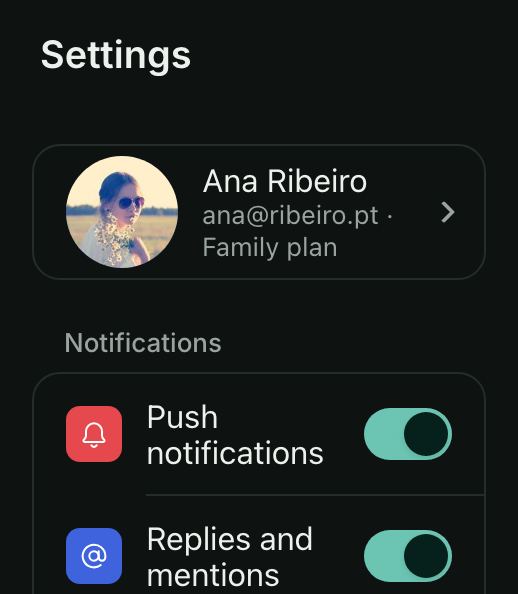 Settings & accountSettingsThe account row, grouped lists with switches, a language select and a destructive sign-out.
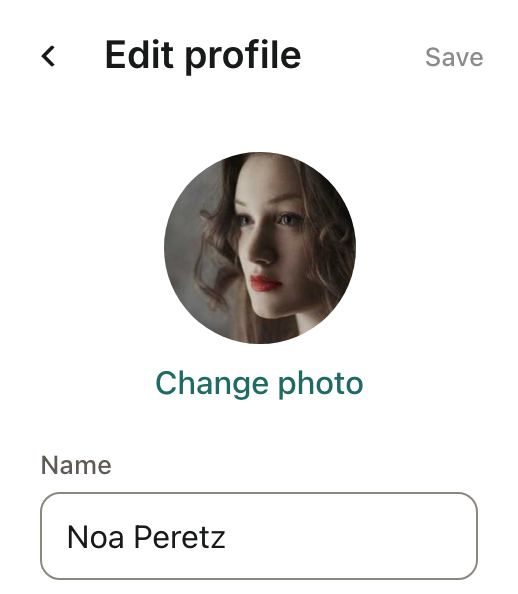
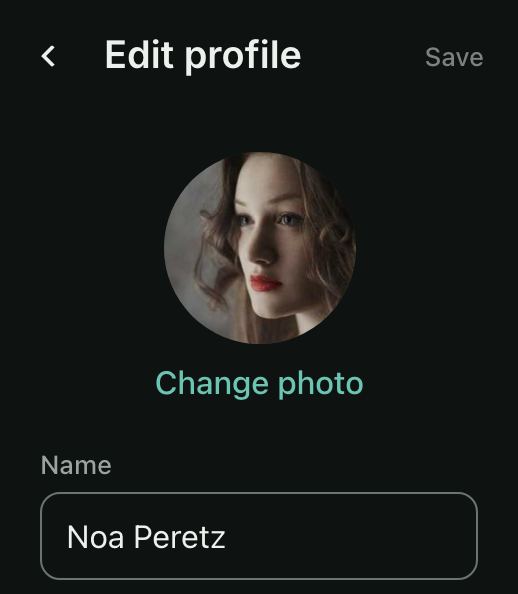 Settings & accountEdit profilePhoto, name, bio with a counter, a birthday that enforces a minimum age, and the country.
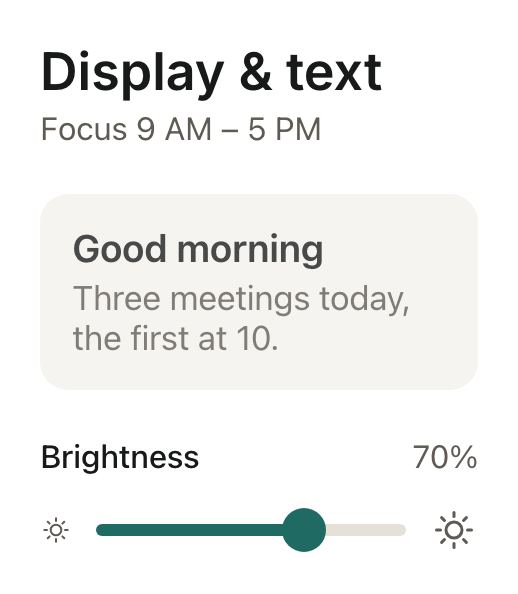
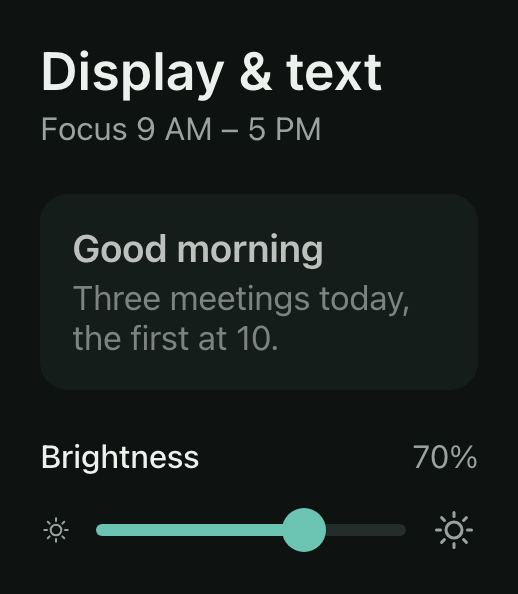 Settings & accountDisplay & textBrightness and text size preview live as you drag; the text size snaps to its marks, focus hours are a range.
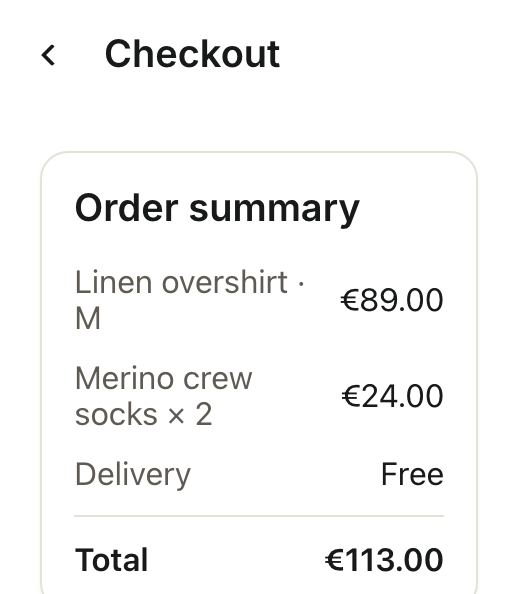
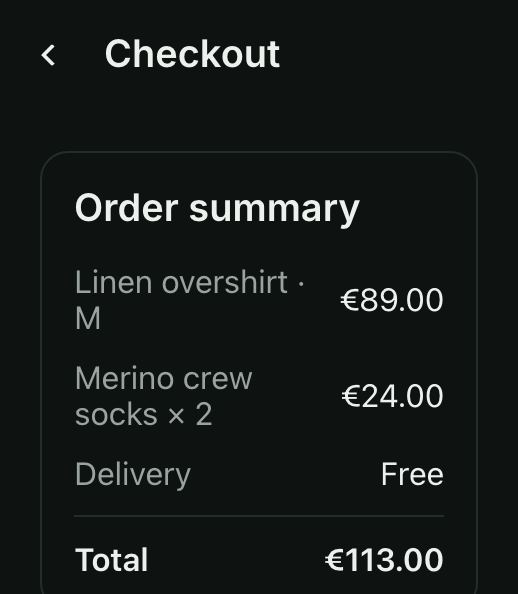 CommerceCheckoutOrder summary, shipping address, delivery speed and payment, with a loading Pay button and a toast.
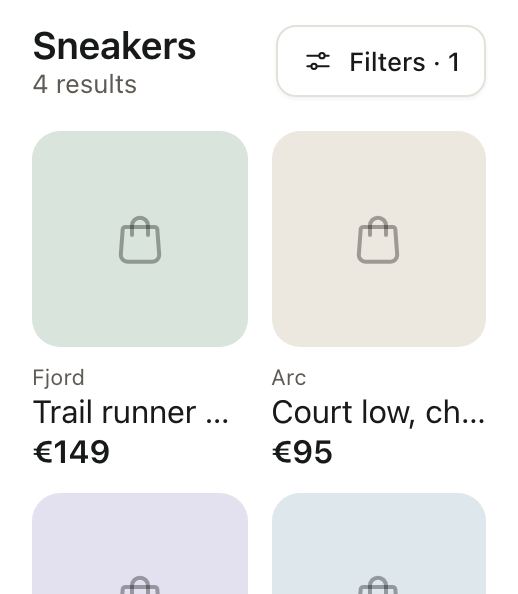
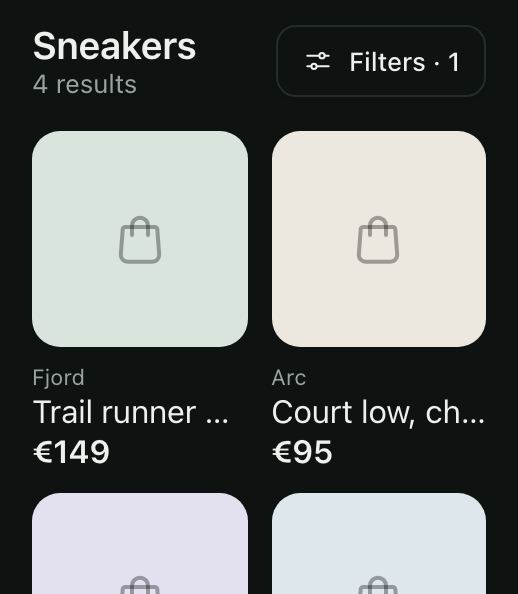 CommerceShop filters sheetA bottom sheet of categories, a price range, sizes and brands, applied together with a live result count.
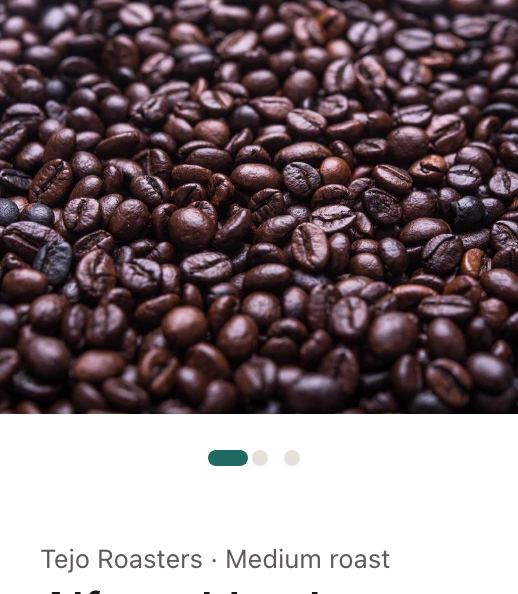
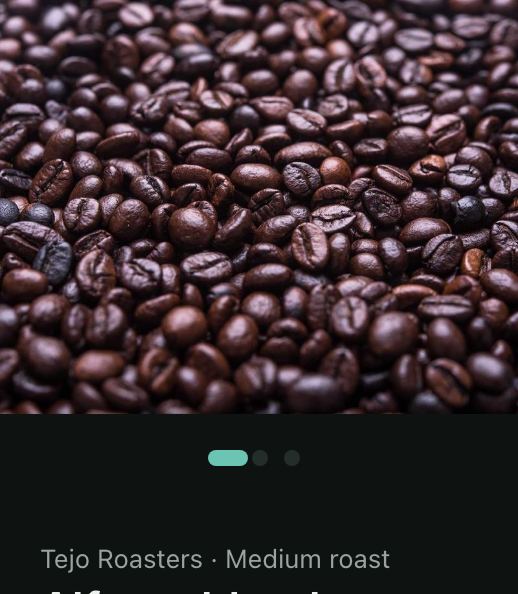 CommerceProduct detailA photo carousel, the rating, a bag size that sets the price, a grind, and Add to bag confirmed with a toast.
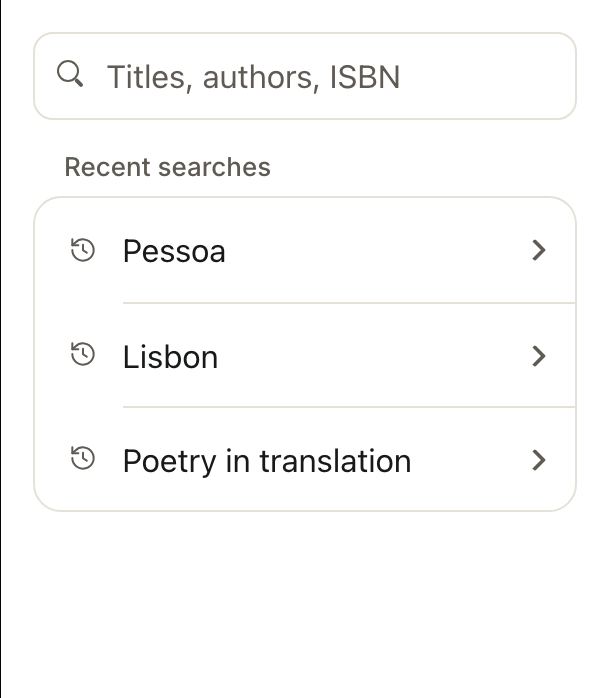
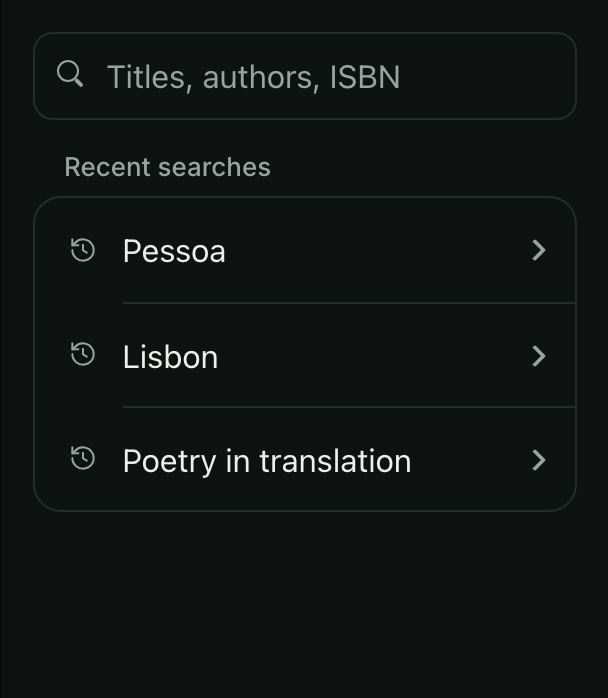 CommerceSearch with resultsRecent searches, skeleton rows while results load, the matches, and an empty state with a way out.
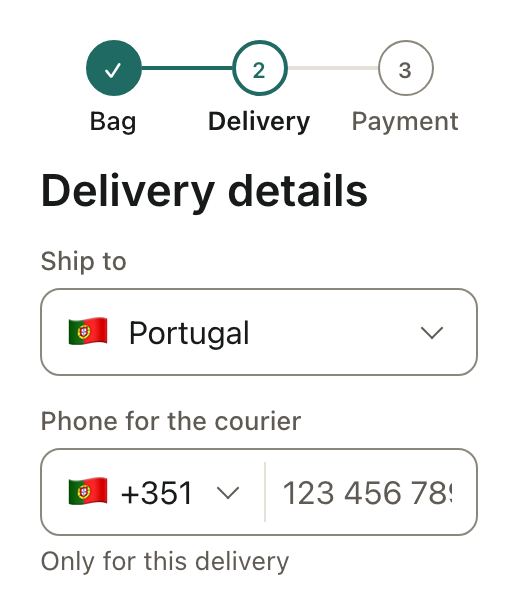
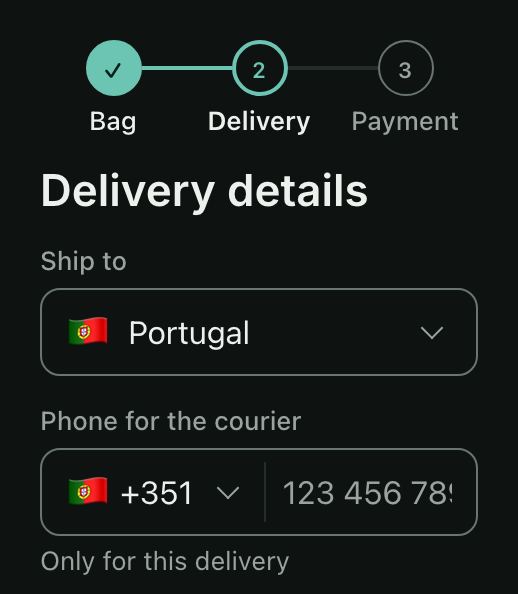 CommerceDelivery detailsWhere to ship, a courier phone that follows the country, the day and a time window.
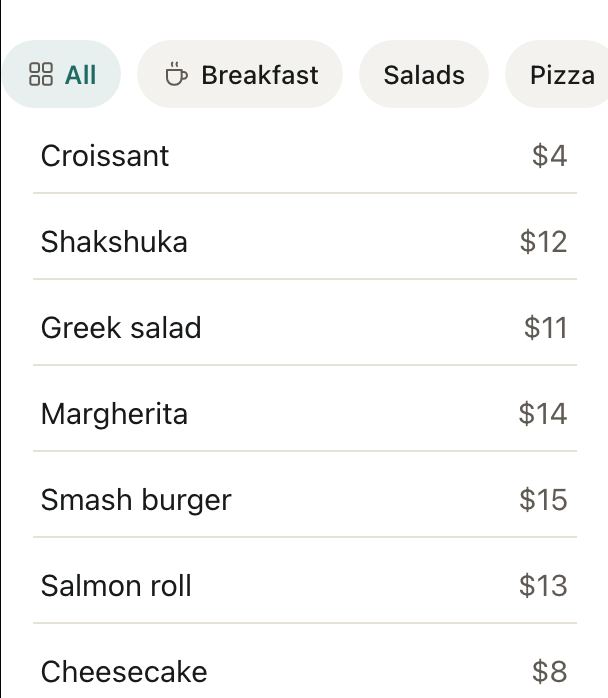
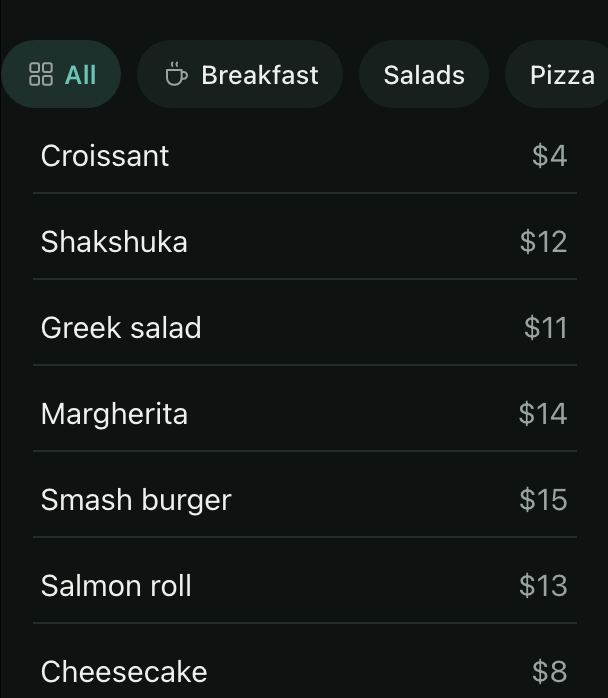 CommerceMenu with category chipsChips that scroll sideways and filter a menu, revealing the next category on tap.
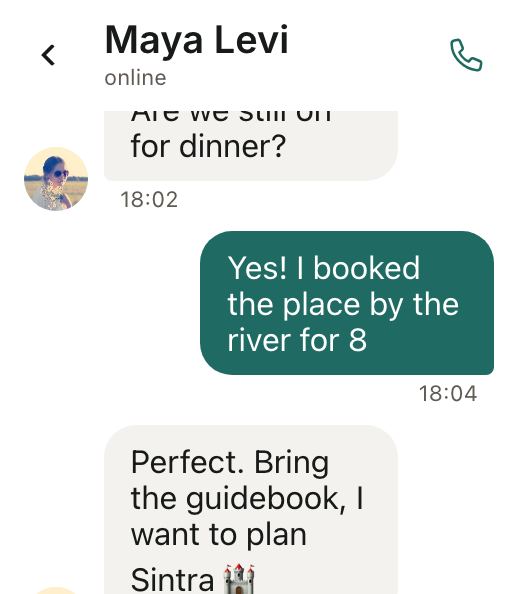
 Social & chatChat threadBubbles grouped by sender, a composer, and emoji from a sheet dropped at the cursor.
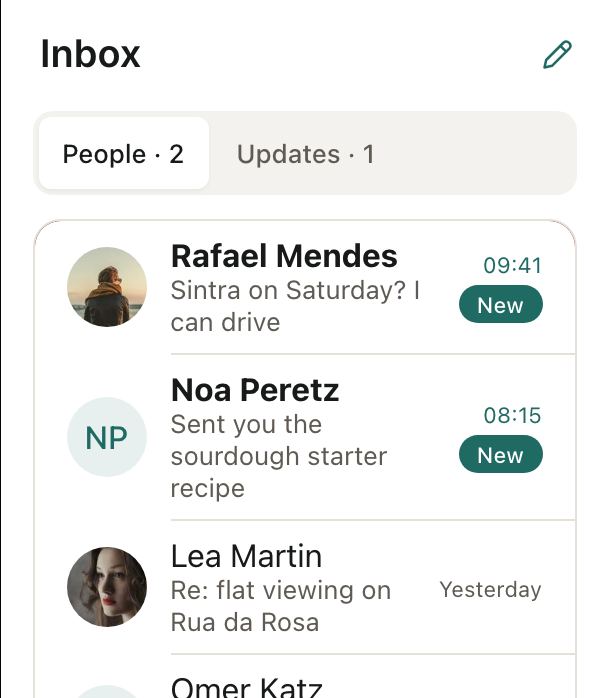
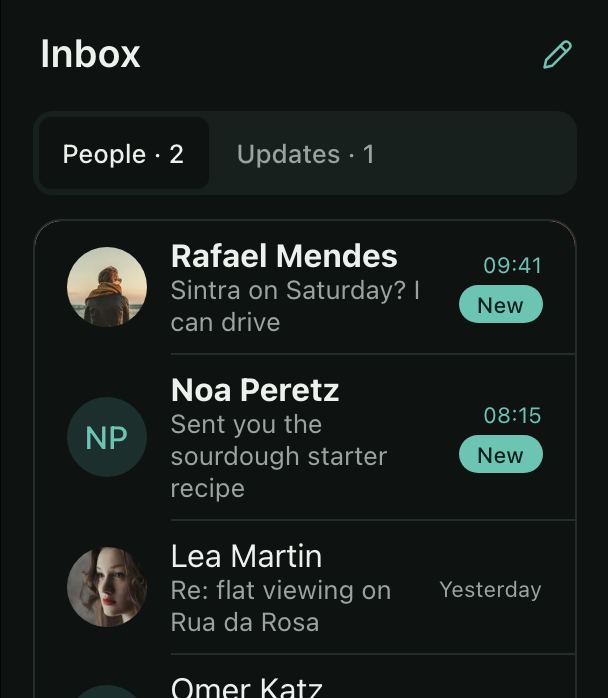 Social & chatInboxTabs with unread badges, rows you swipe to archive or delete, and an empty state when you are done.
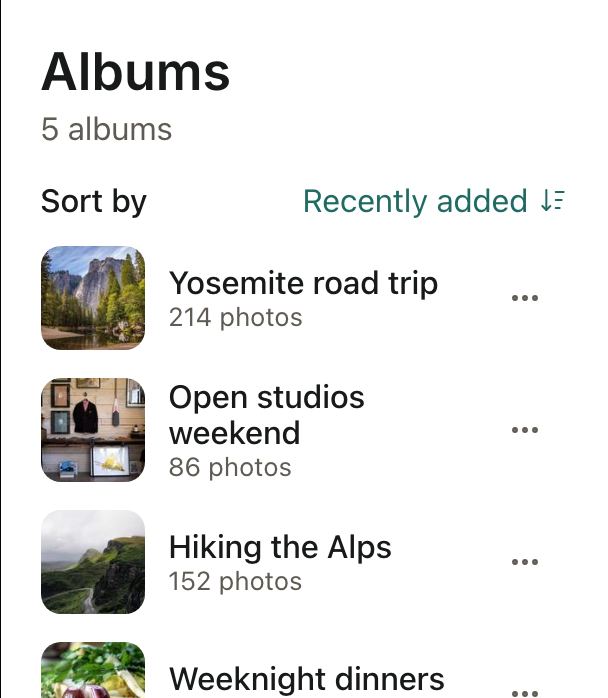
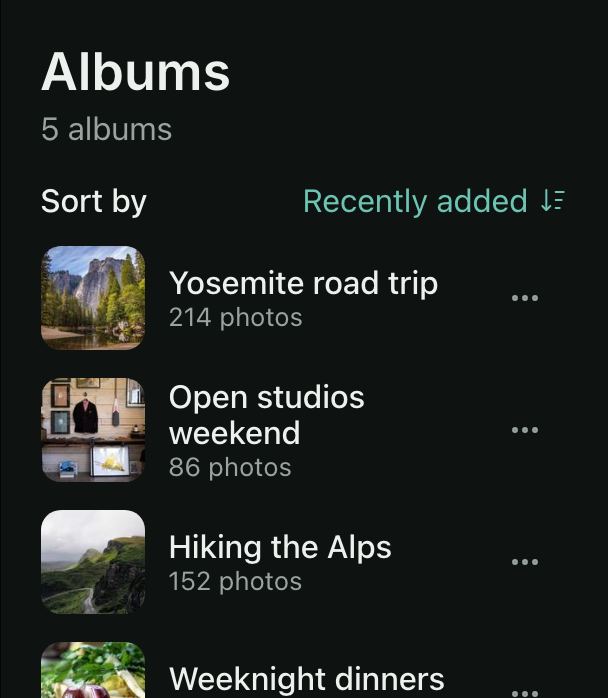 Social & chatPhoto albumsSort from a menu that ticks the current order, and open each album’s action sheet to share, rename or delete.
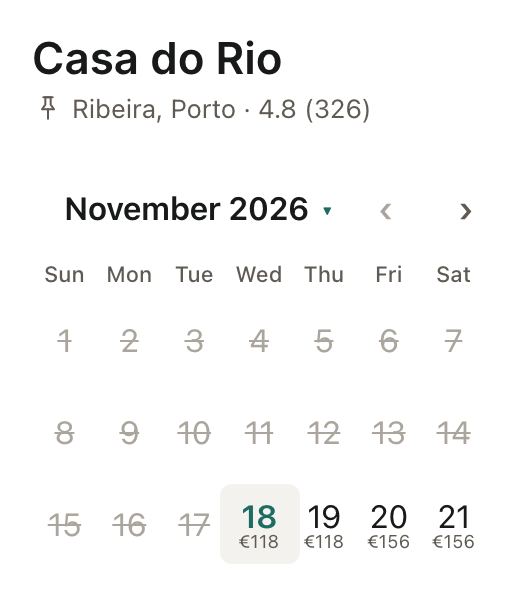
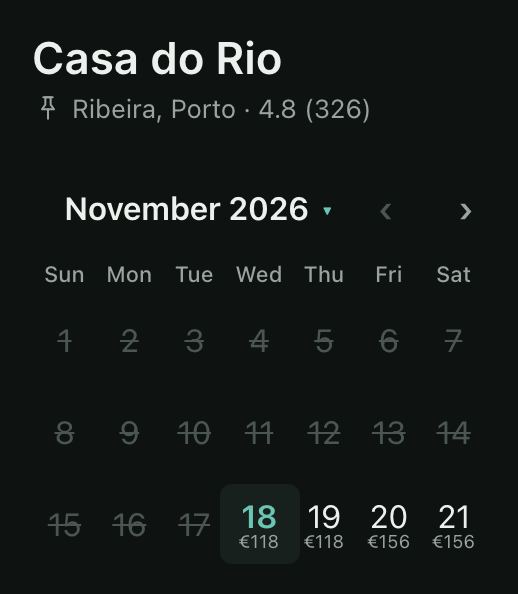 SchedulingHotel bookingNightly prices on a range calendar, booked days, a minimum stay, the room type and guest steppers.
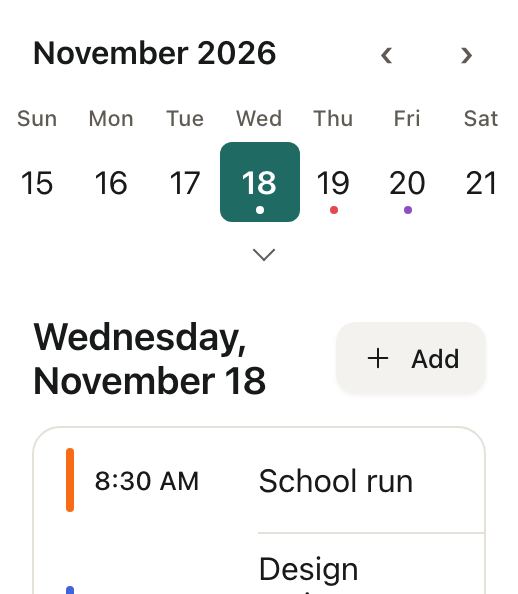
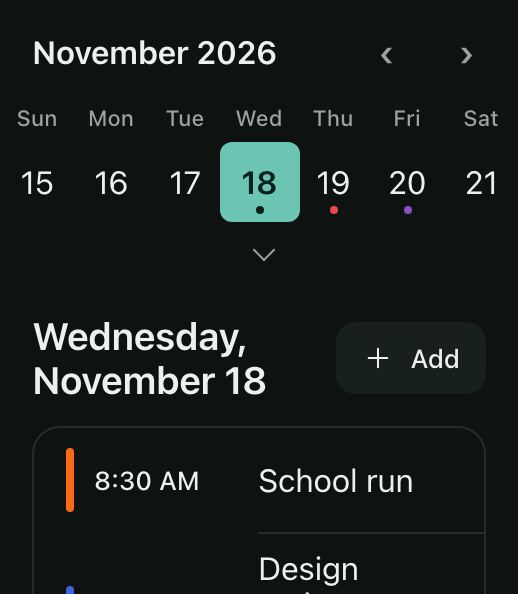 SchedulingDay scheduleA week strip that opens into a month, the day’s events, and a new event at a time you pick.
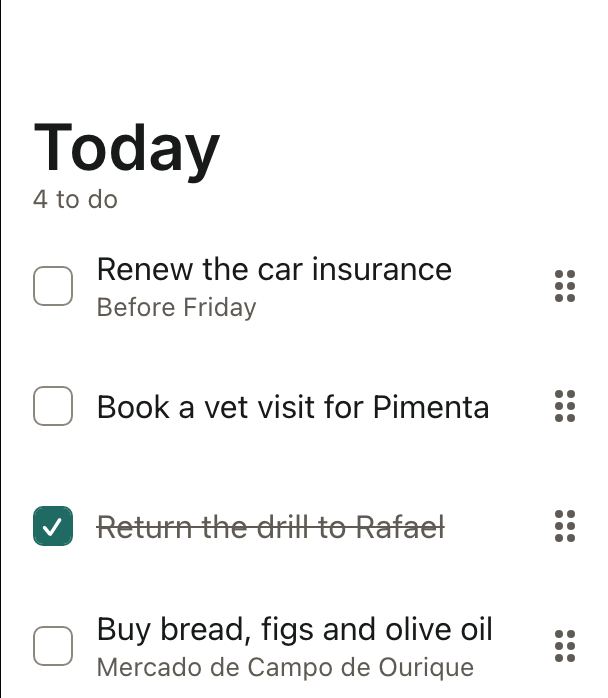
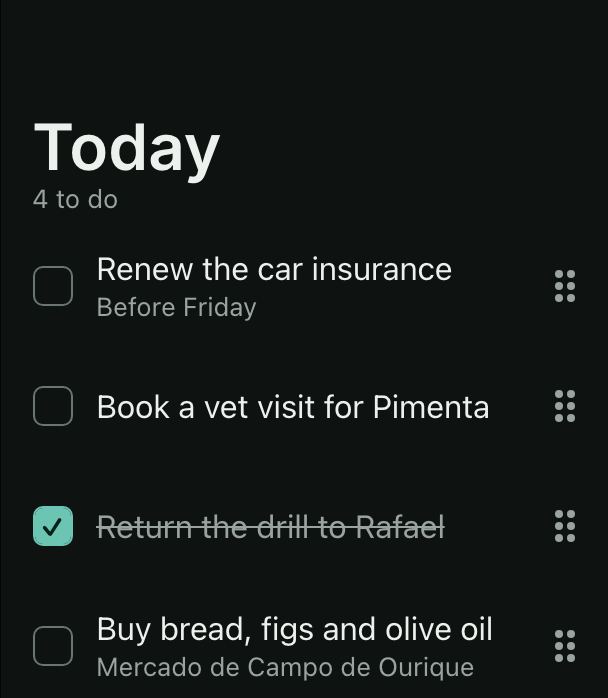 SchedulingTo-do listDrag to reorder, tick to complete, swipe to delete, and a floating button that adds a task in a dialog.
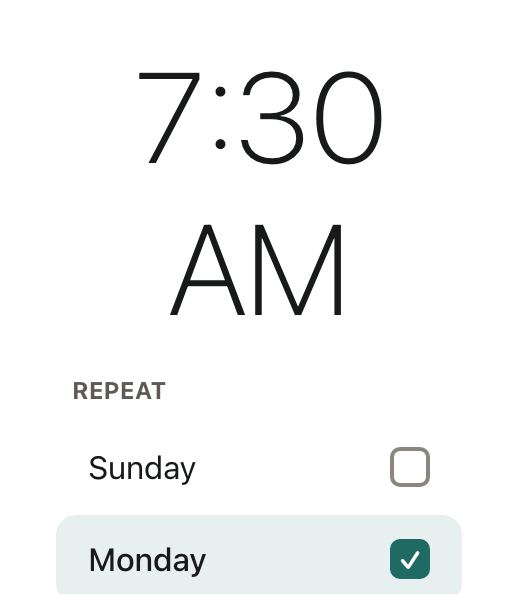
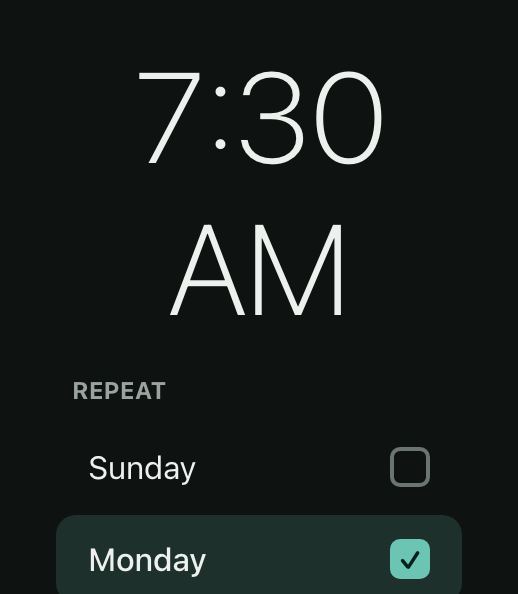 SchedulingAlarmA big clock you tap to change, with the repeat days picked from a list.
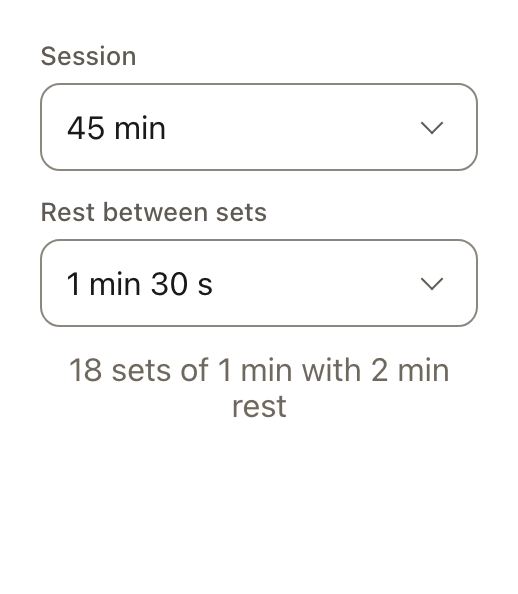
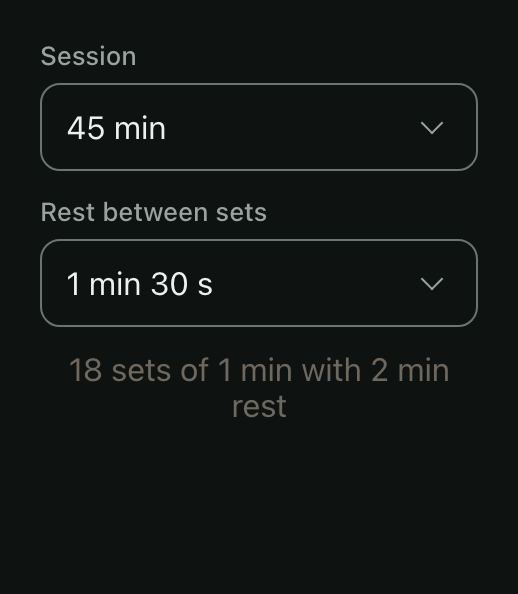 SchedulingWorkout timerA session length and a rest timer as durations: wheels on iOS, number boxes in Material, columns on the web.
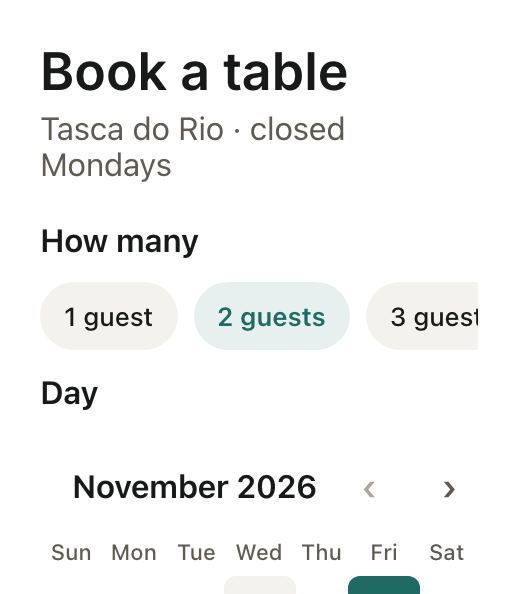
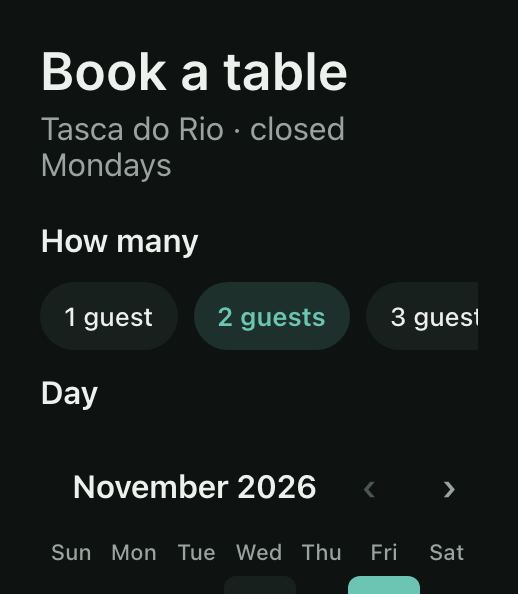 SchedulingBook a tableParty size and time slots as chips around a week strip that greys out the days the place is closed.
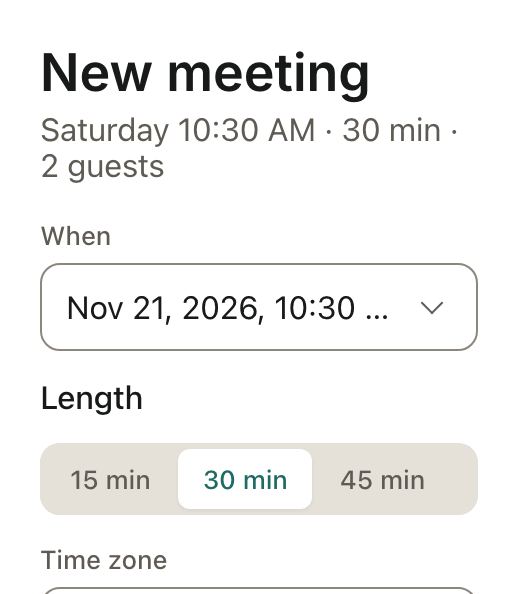
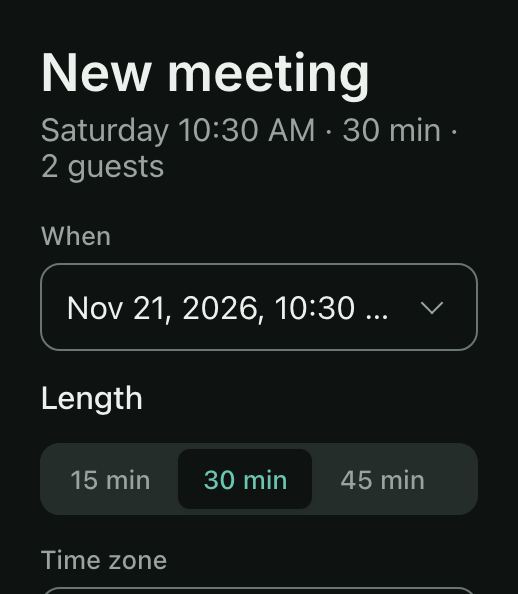 SchedulingMeeting inviteA date and time in one field, a duration, a time zone and attendees picked as chips.
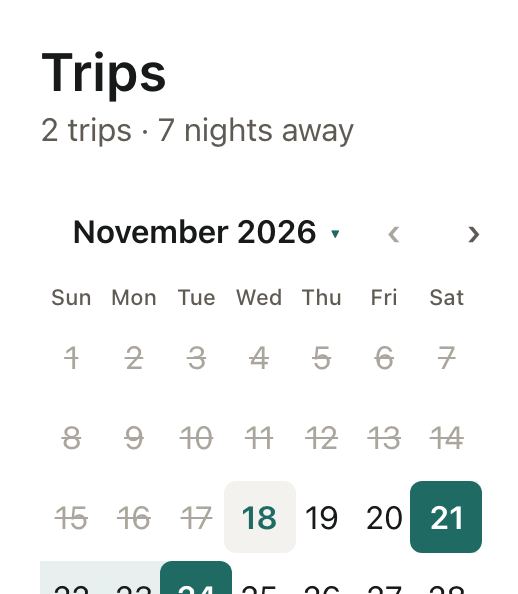
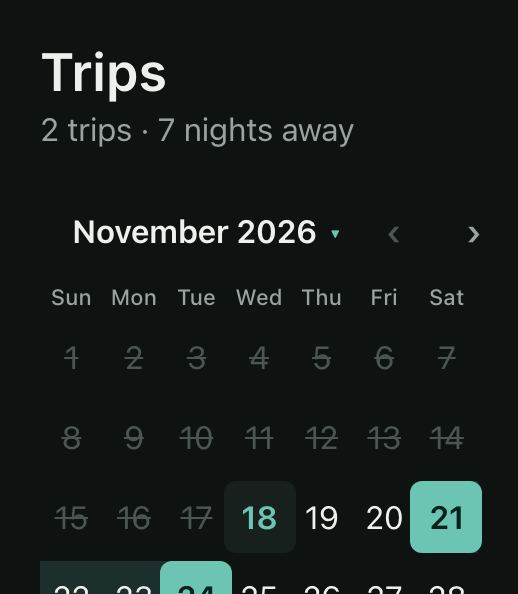 SchedulingTrip plannerSeveral stays on one calendar, and the cities to visit.
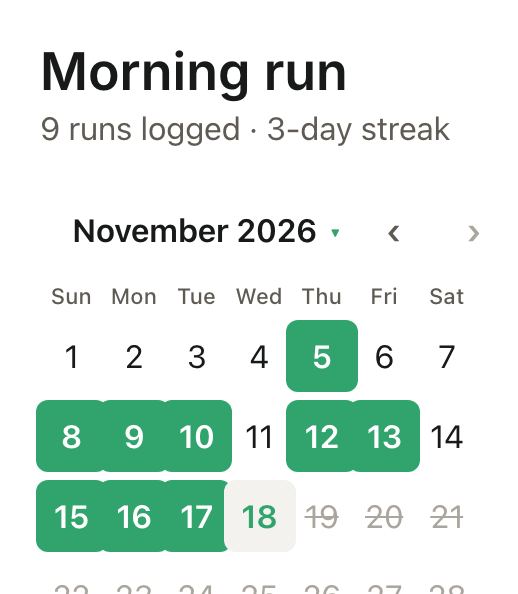
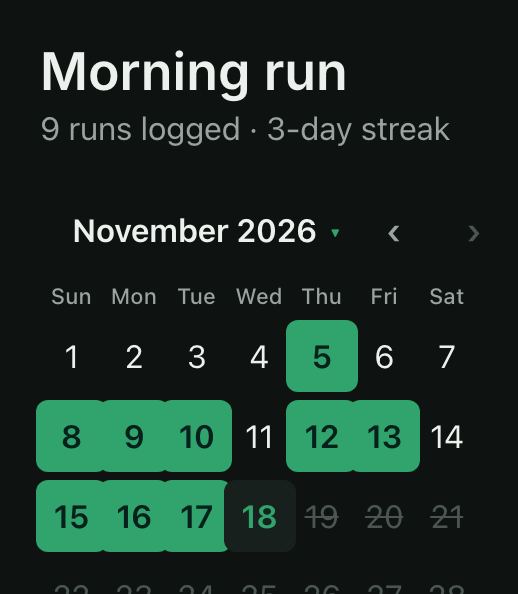 SchedulingHabit streakTap the days you ran on a multi-select calendar, set a daily reminder and pick the colour of your runs.
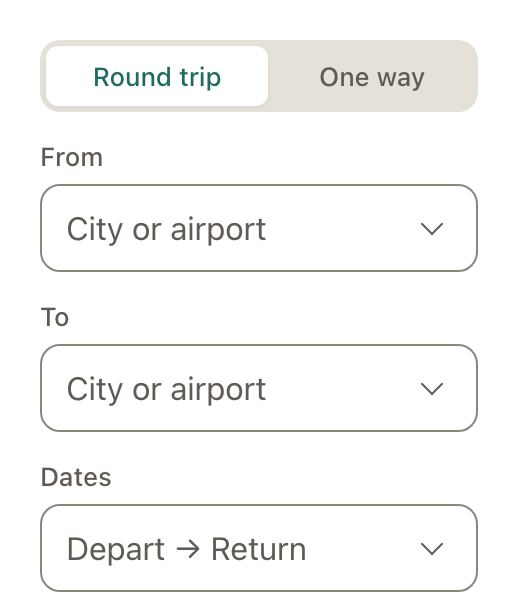
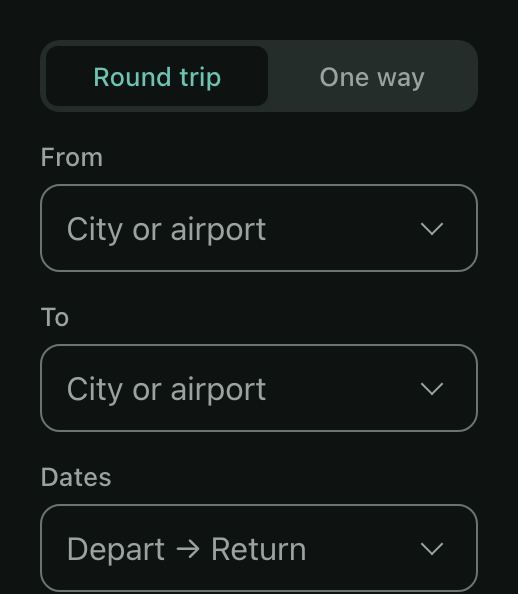 FormsFlight searchAirports searched on a server as you type, round trip or one way, dates, travellers and validation.
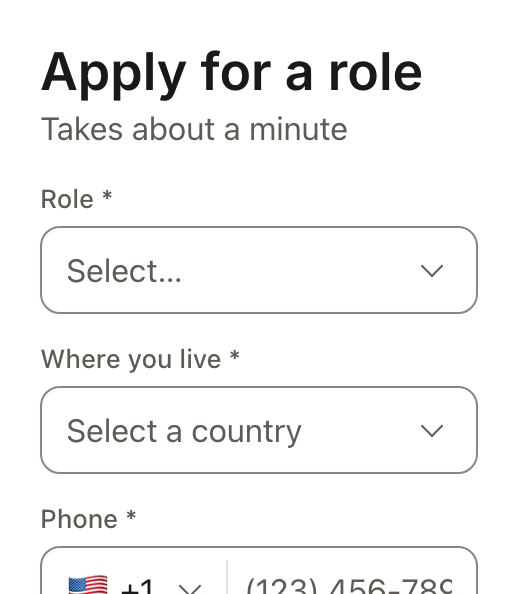
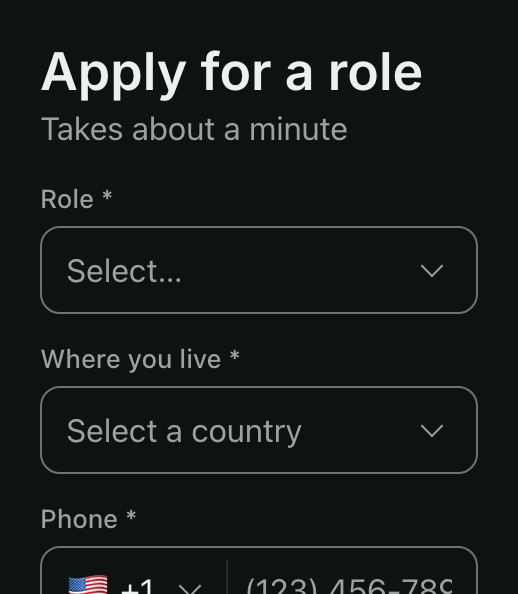 FormsJob applicationEvery field’s error on an empty submit, cleared as you fix it, and a rule checked across two dates.
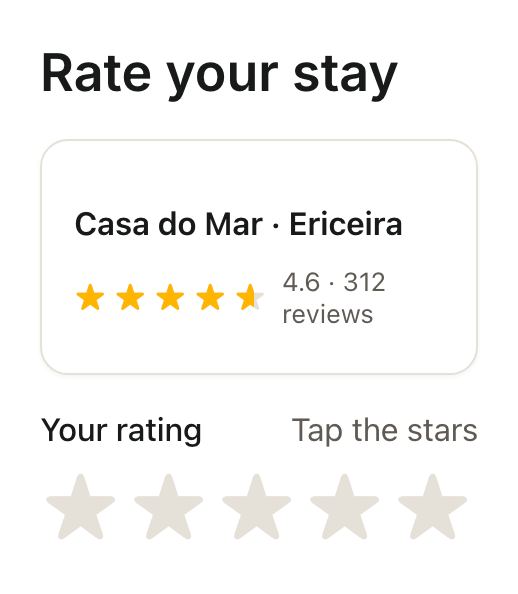
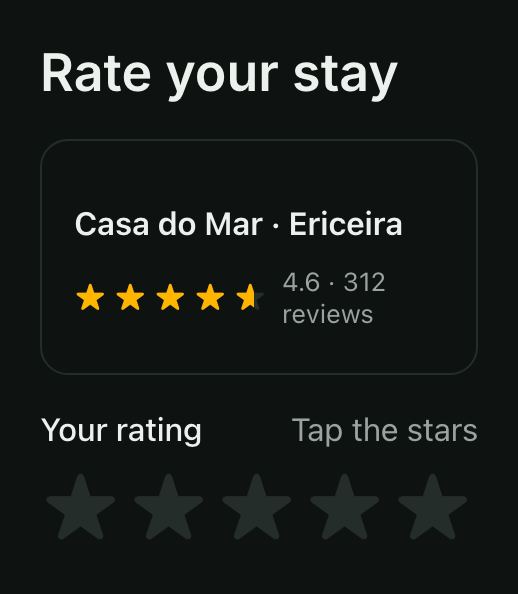 FormsRate your stayHalf stars for the stay, a row of stars per category, and the place’s average shown read-only.
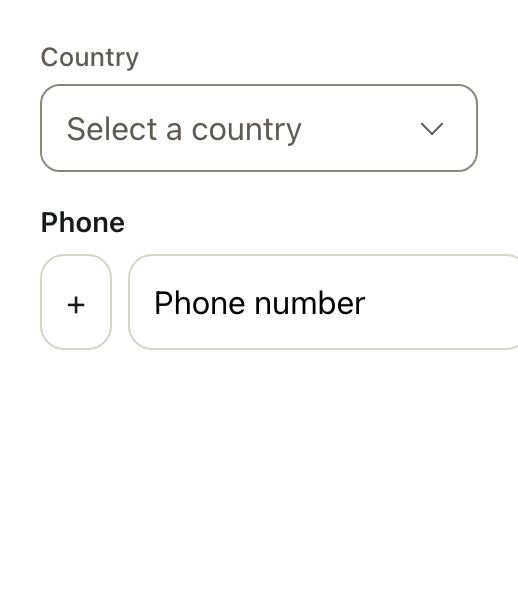
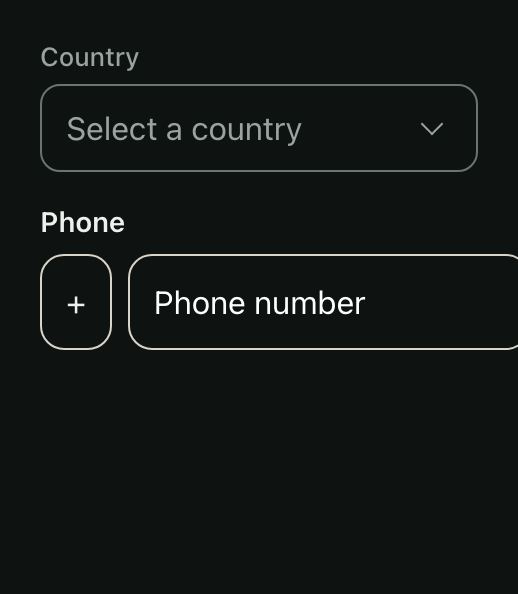 FormsCountry and phone codeChoosing a country also sets the dialling code, which can still be changed on its own.
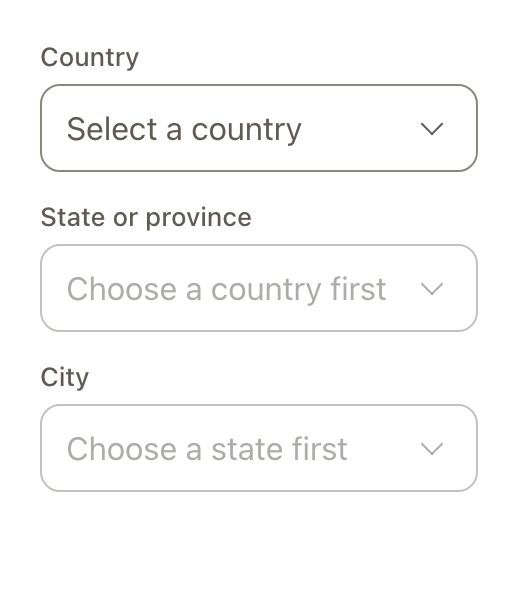
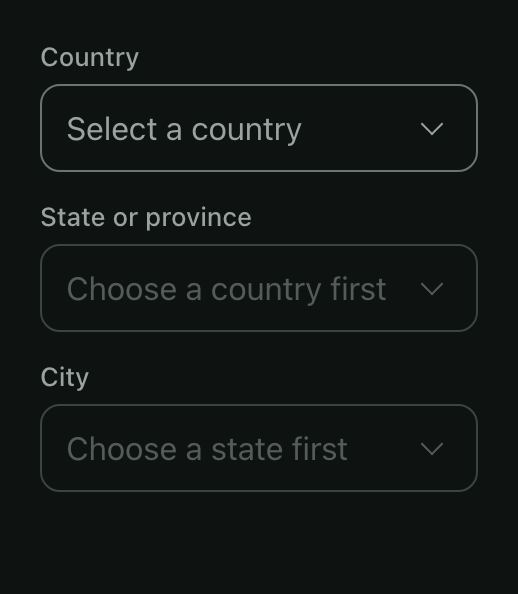 FormsCountry, state and cityCascading selects where each list depends on the one before and resets when it changes.
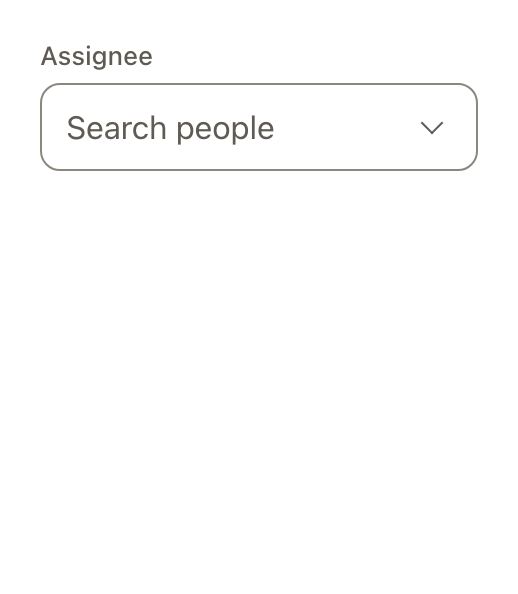
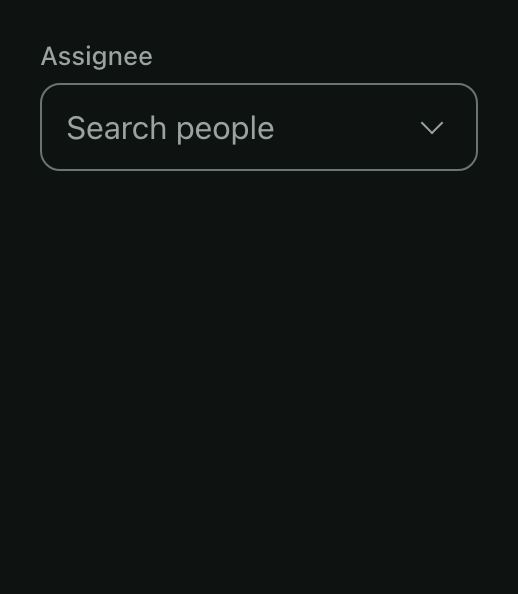 FormsSearch a serverA select that loads options from an API as you type, with debouncing, a loader and load-more.
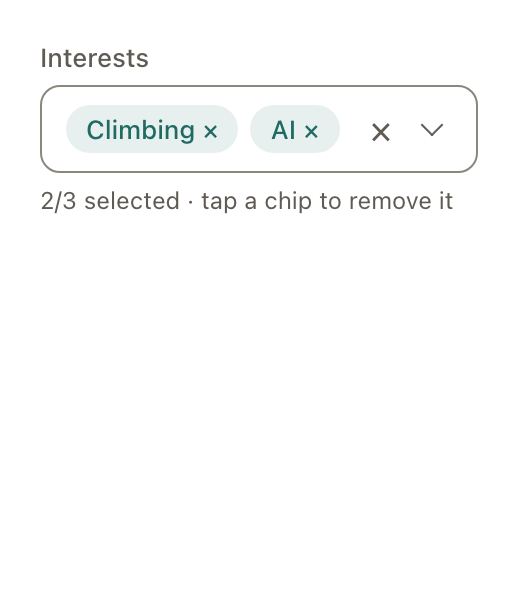
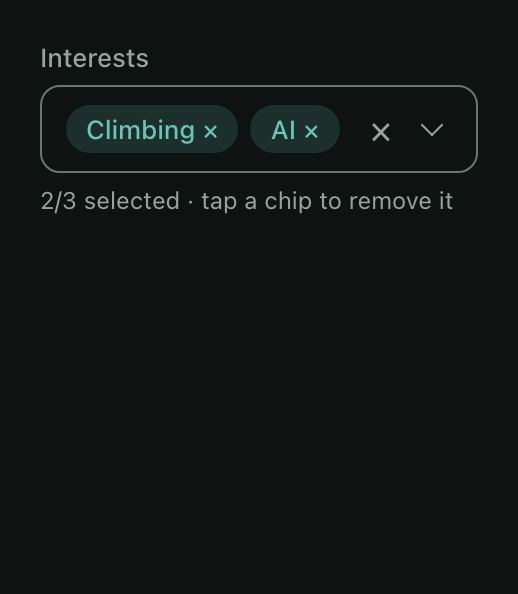 FormsTagsA multi-select of grouped tags shown as chips, with a maximum and a clear button.
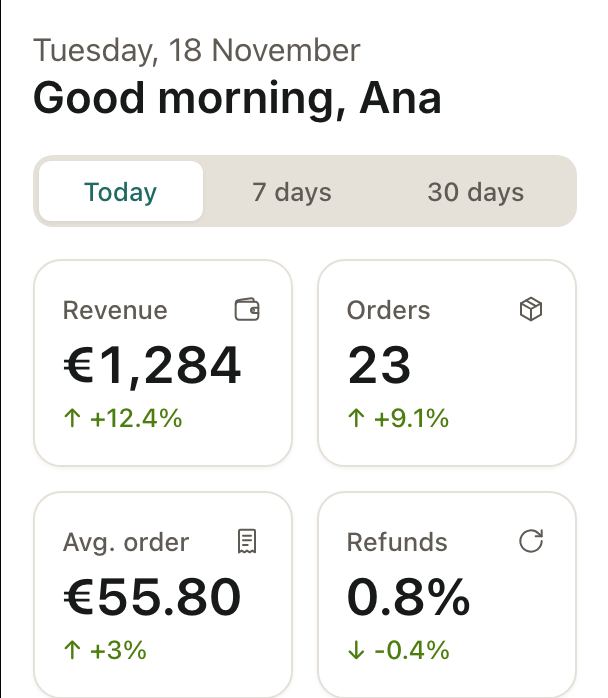
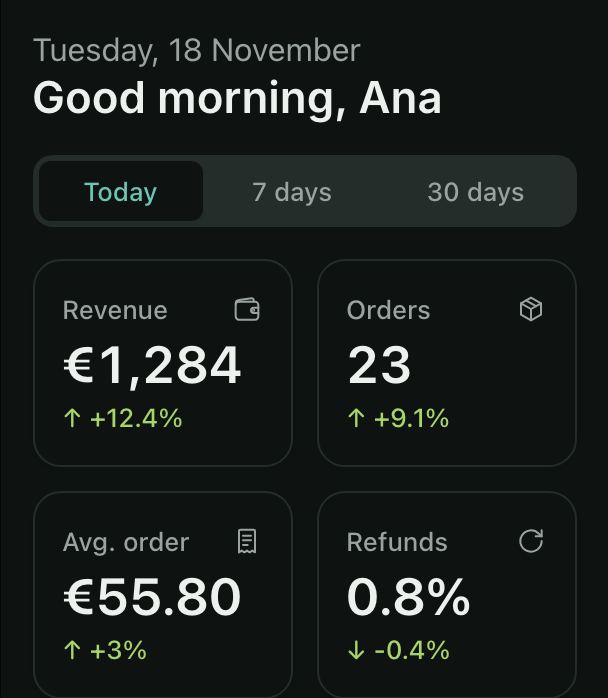 DashboardsDashboard homeKPI stats with trends, a goal in progress, the latest orders in a sortable table.
Every example uses patine-ui and the free icons in @patine-ui/icons. For finished multi-screen apps with charts and blocks, see the Patine Pro templates.